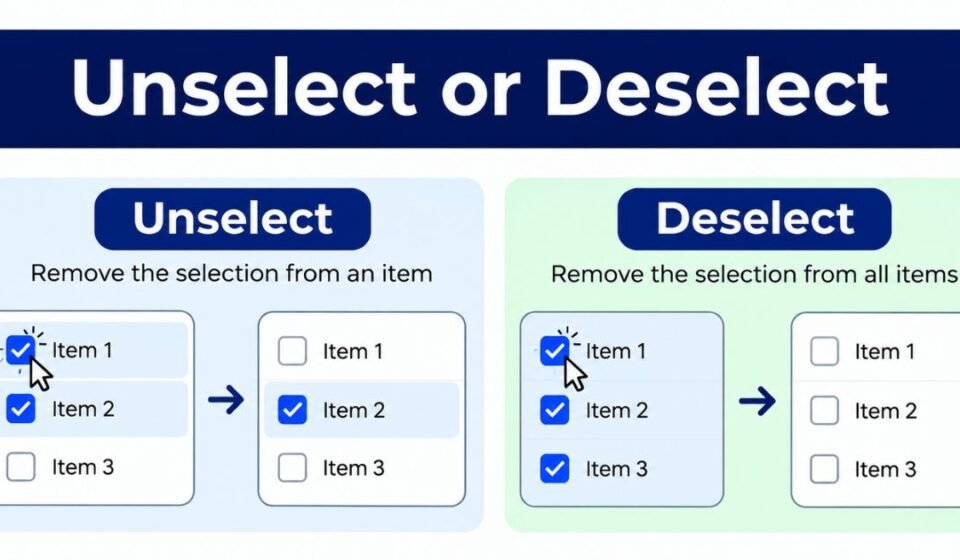
If you work with software, forms, or design tools, you have probably typed “unselect” in one sentence and “deselect” in the next. Both words describe the same action: removing a selection or a checked item. But which one is correct? Which one sounds more professional? And does it matter where you use it?
This guide answers all of that in plain English. We will look at real examples, common mistakes, regional spelling habits, idioms, and practical tips you can use today. By the end, you will know exactly which word fits your situation, and why.
Contextual Examples
The right word often depends on where you are using it. A file manager, a web form, and a command-line tool each have their own style rules. Let’s break down five common places where this choice comes up.
Desktop File Manager
In a desktop file manager, users often select multiple files by clicking and dragging. When they want to remove one file from that group, most interfaces use the word “deselect.” This word feels more formal and matches the technical tone of file systems.
For example, holding the Ctrl key and clicking a file again will deselect it from the group. Windows, macOS, and Linux file managers almost always use “deselect” in their menus and tooltips. This keeps the experience consistent across platforms.
Web Form Checkbox
Web forms are a bit more relaxed. Many websites use “unselect” in their help text because it sounds simpler and closer to everyday speech. A checkbox tooltip might say “Click again to unselect this option.”
That said, more polished or enterprise-level websites tend to prefer “deselect” because it reads as more precise. If your form targets casual users, “unselect” works fine. If it targets business users, “deselect” often feels more fitting.
Command-Line Tool
Command-line tools rarely use either word directly. Instead, they use commands like –unset, –clear, or –remove. But when documentation explains what a flag does, “deselect” shows up more often than “unselect.”
This is because technical writing style guides usually favor the more standard, dictionary-approved term. Developers writing man pages or README files tend to follow this pattern without even thinking about it.
Design Documentation
Design documentation, such as Figma guides or UI style guides, almost always chooses “deselect.” Design systems need consistency, and “deselect” is the term most style guides recommend as the standard choice.
Using one consistent word across a design system helps designers and developers stay aligned. It also makes searching the documentation easier, since there is only one term to search for instead of two.
Mobile App Toggle
Mobile apps often use simpler, friendlier language because screen space is limited and users move fast. Here, “unselect” appears more often in tooltips, error messages, and onboarding screens. It feels quicker and less formal, which fits the casual tone of most mobile experiences.
Some apps mix the two words without meaning to. This is a mistake we will cover in the next section, because mixing forms confuses users and looks unpolished.
Common Mistakes
Even experienced writers slip up with these two words. Below are the most common mistakes people make, along with simple fixes for each one.
Mistake: Mixing Forms In The Same Interface
One of the biggest mistakes is using both “unselect” and “deselect” in the same product. A button might say “Unselect All” while a tooltip nearby says “Click to deselect this item.” This inconsistency makes the interface feel unfinished.
The fix is simple: pick one word and use it everywhere in that product. Add it to your style guide so every team member follows the same rule.
Mistake: Using Unselect As A Noun
Some writers try to turn “unselect” into a noun, such as “the unselect of an item.” This is grammatically incorrect. Both “unselect” and “deselect” are verbs only. They describe an action, not a thing.
Instead, say “deselecting an item” or “the act of deselecting.” This keeps the sentence grammatically correct and easy to read.
Mistake: Verb Tense Confusion
Writers sometimes struggle with past tense forms. The correct past tense of “deselect” is “deselected,” and the correct past tense of “unselect” is “unselected.” Neither word changes its spelling pattern in an unusual way, but mistakes still happen when writers rush.
Here is a quick reference table:
| Base Form | Past Tense | Present Participle |
| Deselect | Deselected | Deselecting |
| Unselect | Unselected | Unselecting |
Unselect or deselect in excel
Microsoft Excel uses “deselect” in its official help documentation and menus. For example, Excel’s support pages explain how to deselect cells or ranges after selecting them. If you are writing a tutorial about Excel, match Microsoft’s own wording and use “deselect” to stay consistent with the software itself.
Using the same term Microsoft uses also helps your content rank better in search results, since people searching for Excel help often copy the exact wording from the software.
Mistake: Dangling Modifier With Evidential Phrases
A dangling modifier happens when a descriptive phrase does not clearly connect to the right subject. For example: “After deselecting, the file disappeared from the list, based on user reports.” Here, it is unclear what “based on user reports” is actually modifying.
The fix is to rewrite the sentence so the modifier sits next to the word it describes: “Based on user reports, the file disappeared from the list after deselecting.” Small changes like this make instructions much clearer.
Mistake: Casual Language In Formal Documentation
Using overly casual words in formal technical documents can hurt your brand’s credibility. Phrases like “just unselect it, easy peasy” do not belong in official manuals or enterprise software guides. Save casual language for chat support or social media, and keep formal documents professional.
American vs British English Differences
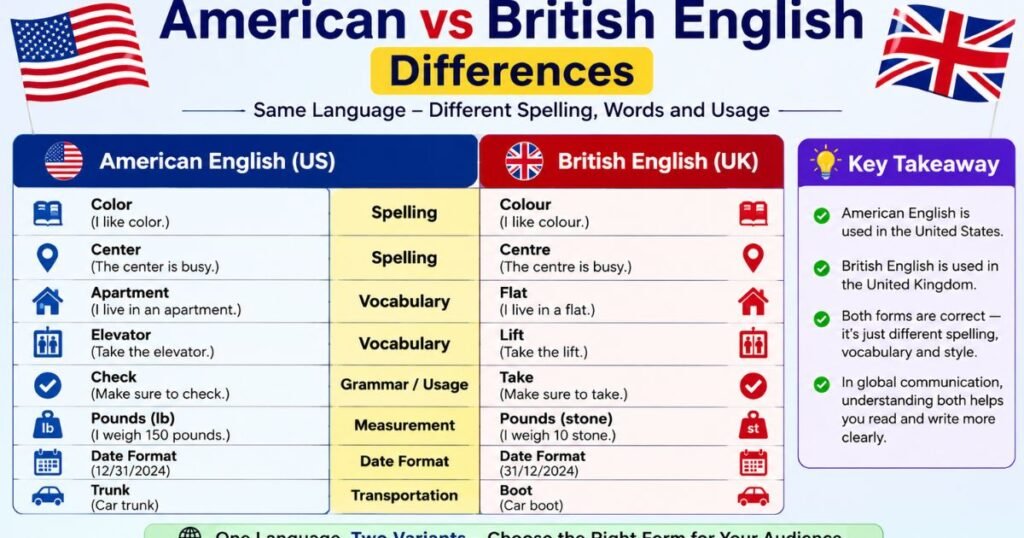
Both American and British English accept “deselect,” but there are small differences worth knowing.
Terminology Preferences
British English style guides, including those used by the BBC and major UK tech companies, lean slightly more toward “deselect” than American style guides. American software companies use both words more freely, though “deselect” still appears more often in official documentation on both sides of the Atlantic.
Spelling And Usage
Neither word changes its spelling between American and British English. There is no “deselect” versus “de-select” split, and no “unselect” versus “un-select” split, in standard usage. This is one case where you do not need to worry about regional spelling rules like you would with “color” and “colour.”
Interface Copy And Localization
When localizing software for different English-speaking regions, most companies keep the same word across all versions. This avoids extra translation work and keeps the user experience consistent no matter where the user is located. If your company operates globally, document your chosen term in your localization style guide so translators and copywriters do not introduce inconsistency.
Also Read This: In the Street or On the Street
Idiomatic Expressions
Words rarely live alone. They pair with other words to form natural-sounding phrases. Let’s look at how “unselect” and “deselect” fit into everyday and technical language.
Unselect or deselect synonym
If you want alternatives to these two words, consider the following options:
- Clear (the selection)
- Remove (from selection)
- Undo (a selection)
- Uncheck (for checkboxes specifically)
- Toggle off
“Uncheck” is especially useful for checkboxes, while “clear” works well for larger groups of selected items, such as clearing an entire list.
Collocations And Pairs
Certain word pairs show up again and again in technical writing. Here are some common ones:
| Common Phrase | Typical Use |
| Select and deselect | General UI actions |
| Check and uncheck | Checkboxes specifically |
| Toggle on and off | Switches and settings |
| Highlight and unhighlight | Text or visual elements |
Using these natural pairs makes your writing sound smoother and more familiar to readers.
When To Use Toggle Versus Deselect
“Toggle” means switching between two states, such as on and off. “Deselect” specifically means removing something from a selected state. If an item can only be selected or not selected, “deselect” is the right word. If an item flips between two active states, like a light switch, “toggle” fits better.
Technical Terms With De-Prefix
The prefix “de-” often means to reverse or remove an action. Other examples include “deactivate,” “decompress,” and “declutter.” “Deselect” follows this same pattern, which is one reason it feels more natural to technical writers and developers than “unselect,” even though both words are grammatically valid.
Practical Tips
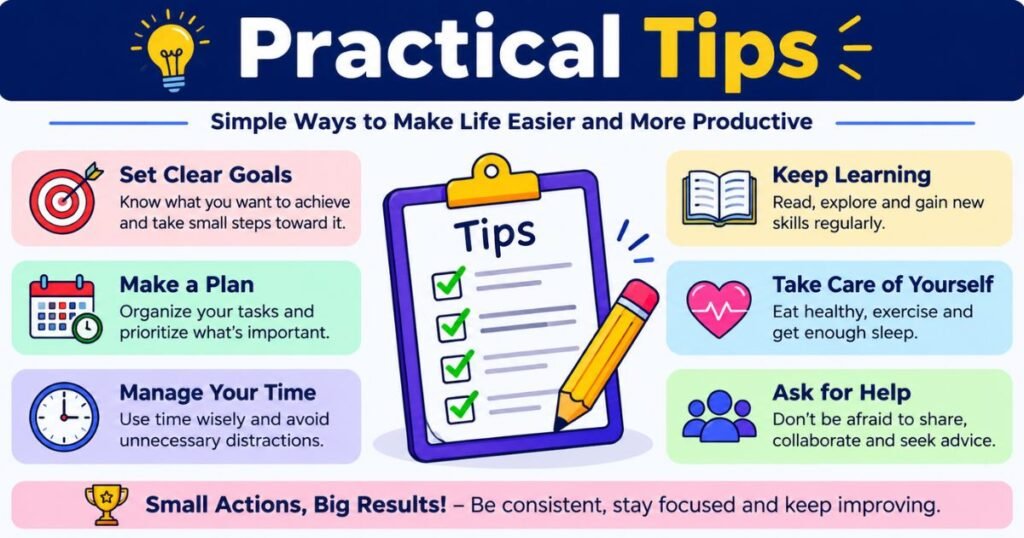
Here are ten practical tips to help you choose and use these words correctly, every time.
Tip 1: Choose One Term and Use It Consistently
Pick either “unselect” or “deselect” for your product or document, and stick with it. Write this decision down in your team’s style guide so everyone follows the same rule.
Tip 2: Use The Most Appropriate Register
Match the word to your audience. Casual apps can use “unselect.” Formal, enterprise, or technical documents usually read better with “deselect.”
Tip 3: Prefer Clear Commands In UI Copy
Buttons and menu items should use short, direct commands. “Deselect All” is clearer than a longer phrase like “Remove selection from all items.”
Tip 4: Avoid Dangling Or Ambiguous Modifiers
Always double check that descriptive phrases clearly connect to the correct part of your sentence. Read your sentence out loud if you are unsure.
Tip 5: API And Command Naming
When naming functions or API endpoints, use “deselect” as the base term, since it is the more standard and widely recognized choice in programming documentation.
Tip 6: Keyboard Shortcuts And Accessibility
Always describe keyboard shortcuts clearly, such as “Press Escape to deselect all items.” Screen reader users depend on clear, consistent wording to understand what an action does.
Tip 7: Help Text And Error Messages
Keep help text short and action focused. For example: “Nothing is selected. Deselect is not needed right now.” Clear, simple messages reduce user confusion.
Tip 8: Internationalization And Localization
If your product supports multiple languages, keep your English source text consistent before sending it for translation. Inconsistent source terms lead to inconsistent translations.
Tip 9: Documentation Style Guides
Add your chosen term, along with examples, to your internal documentation style guide. This saves time for every writer who joins your team later.
Tip 10: User Testing For Terminology
If you are unsure which word your users prefer, test both versions with real users. Small wording choices can affect how easily people understand your interface.
Conclusion
Choosing between “unselect” and “deselect” is not about right or wrong. Both words are valid, and both get the job done. What matters most is picking one term, understanding your audience, and staying consistent across your writing.
Use “deselect” when you want a formal, technical tone, especially in design systems, enterprise software, and official documentation. Use “unselect” when you want a more casual, everyday feel, especially in mobile apps or simple web forms. Whichever you choose, consistency will always make your content clearer and more trustworthy for your readers.

Mubeen is a passionate writer and content creator who enjoys sharing useful, engaging, and easy-to-understand information. With a focus on well-researched and reader-friendly content, Mubeen aims to help readers discover valuable insights and reliable information.